AI agents / Dedicated workflow ownership
AI employees & teams
One AI employee. Or a whole team.
Software agents that do recurring work in your business tools: follow up leads, prepare content, update your CRM and produce reports. Start with one role or connect a team.
See what’s included
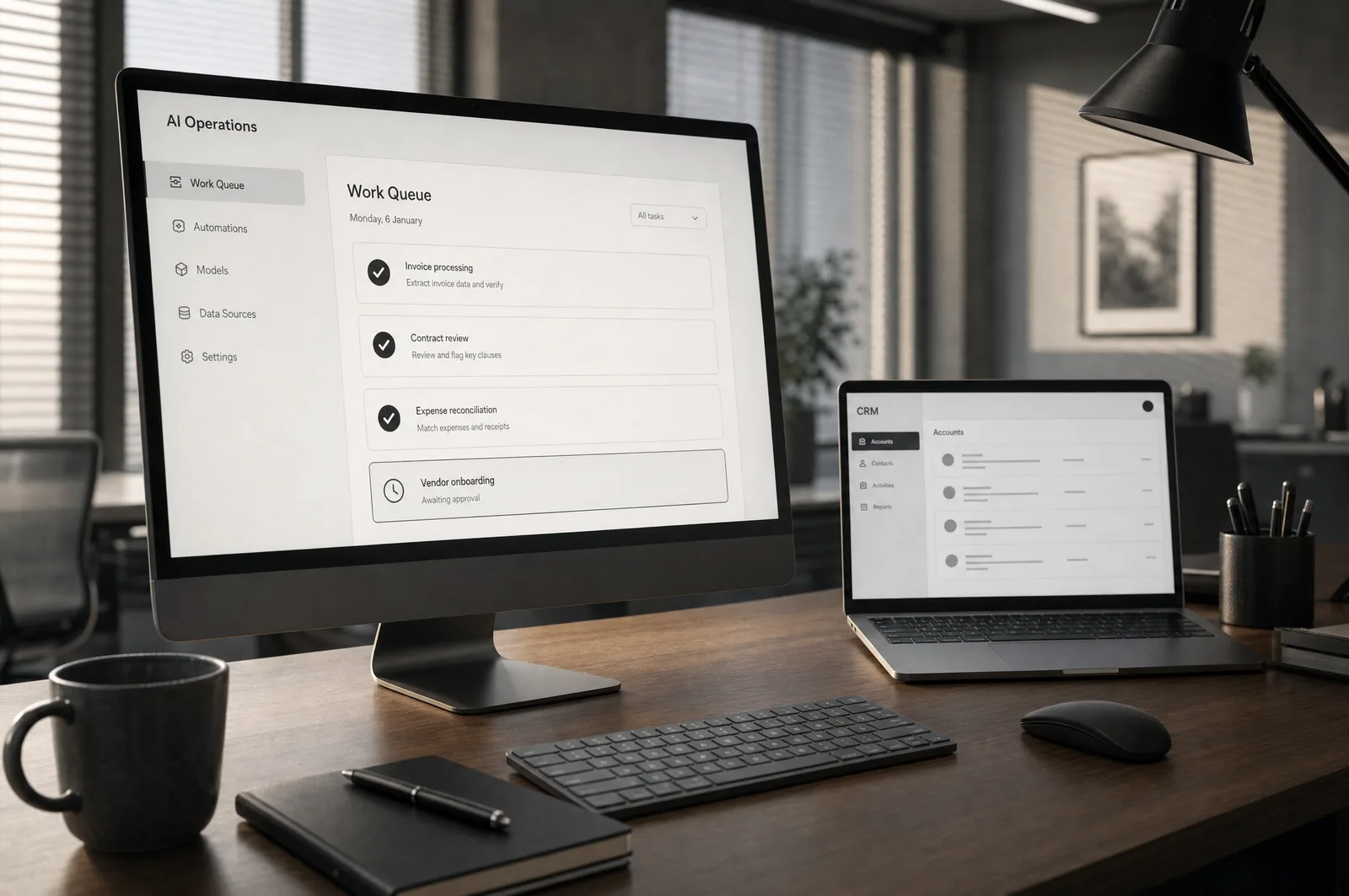
Routine work, already moving.
An AI employee is a software agent with a defined job. It uses your tools to complete recurring tasks on a schedule or when new work arrives.
- Lead follow-up and CRM updates
- Recurring reports and administration
- Task history and exception alerts
An AI employee with a job to do.
One AI employee owns a recurring role. A team divides a bigger job between specialist agents and passes the work from one to the next. Both use your business tools, follow your rules and keep a record you can review.
A defined role
Give the agent a clear remit: manage daily social publishing, follow up new enquiries, maintain records or prepare a recurring report. Set the inputs, expected output and measures of success.
Ready to work 24/7
Run on an agreed schedule or respond when new work arrives. The agent uses connected business tools to complete the steps, with monitoring, retries and alerts when a dependency needs attention.
Your knowledge and tools
Connect the information and systems the role needs, from your brand guidance and content library to the CRM, publishing tools and reporting sources.
Visible work and clear boundaries
Review task history, outputs and exceptions. Define which actions the agent can complete independently and which need approval, with a way to pause or change its work.
Your daily social media operator.
An AI marketing employee can manage daily social publishing from start to finish: research topics, plan the calendar, create posts, publish to connected channels and review performance. Its work follows your brand, commercial goals and agreed publishing rules.
- Plan and create
- Find relevant topics, use approved product information, write captions and prepare creative for each channel.
- Publish every day
- Schedule and publish through supported channel integrations, check that posts went live and route exceptions for review.
- Learn from results
- Track reach, engagement and enquiries, then use the results to improve the next content cycle and support growth in your social presence.
What could your AI employees do?
Start with one repetitive job. Add specialist agents when the work needs several roles or coordinated handoffs.
- Sales follow-up
- An agent captures an enquiry, updates the CRM, drafts a relevant follow-up and reminds your team when a prospect needs a call. Fewer leads sit waiting in an inbox.
- A coordinated marketing team
- A researcher finds topics, a writer prepares posts, a publishing agent schedules approved content and an analyst reports what worked. Shared context keeps the whole cycle moving.
- Operations and reporting
- Collect updates from connected tools, flag missing information and prepare a daily report. Your people spend more time resolving issues and less time assembling the numbers.
- Approvals stay with you
- Choose which tasks run automatically and which wait for approval. Set tool permissions and spending limits, inspect task history and pause the workflow when needed.
What you get.
- Defined employee or team roles, handoffs and operating instructions
- Connected tools, schedules and event triggers
- An end-to-end workflow tested against real examples
- Task history, monitoring and exception alerts
- Approval rules, pause controls and a team handover

Connect specialists to finish the whole job.
A team shares context between research, creation, publishing and reporting. You set the direction and the approval rules.
- Specialist roles and coordinated handoffs
- Content and publishing workflows
- Permissions, monitoring and pause controls
Compare ways to put AI to work.
A chat assistant only works when someone remembers to ask it. An AI employee owns a role, and an AI team connects several roles, inside your tools and under your rules.
| Compare the features | Standalone AI assistantYou prompt each task | Adaline employees & teamsConfigured business workflows | Manual coordinationYour people run every step |
|---|---|---|---|
| Works without being prompted | Not included: Waits for you to ask | Included: Runs on schedules and triggers | Not included: Someone has to remember |
| Uses your business tools | Partly, with extra effort: Limited connectors | Included: Connected to your systems | Partly, with extra effort: Staff time for every step |
| Owns a recurring workflow | Not included: You coordinate every step | Included: End to end, every time | Partly, with extra effort: Staff hours, every week |
| Specialists share context | Partly, with extra effort: Context lost between chats | Included: An AI team hands off the work | Partly, with extra effort: Meetings and messages |
| Lead follow-up & CRM updates | Partly, with extra effort: Only when you prompt it | Included: Automatic, with your rules | Partly, with extra effort: When someone has time |
| Task history & exception alerts | Not included: No audit trail | Included: Logged, with alerts | Partly, with extra effort: Manual tracking |
| Approvals & pause controls | Partly, with extra effort: Depends on the tool | Included: Approve, pause or override | Included: Manager sign-off |
| Monitoring & improvement | Not included: Your responsibility | Included: Agreed support plan | Not included: Your responsibility |
Capabilities are configured to your package. Integrations, usage limits, support and any ongoing costs are agreed before work begins.
How we get started
Define the role, workflow and success criteria
Connect the tools and test the complete workflow
Launch, monitor and improve with your team
A package built around your business.
Speak with a team member for pricing. We’ll help you choose the right scope and level of support. Your quote sets out the work, integrations, timeline and any ongoing costs before you commit.